Most non-technical founders don’t fail because they couldn’t build.
They fail because they built too much of the wrong thing.
Too many features. Too early. No clear workflow. No way to know when to stop.
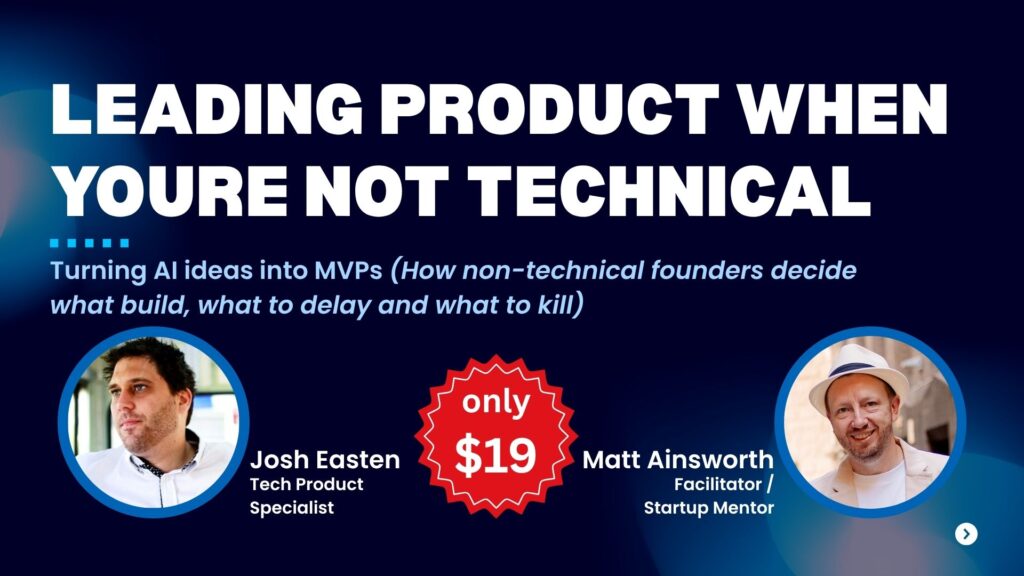
In this session, product specialist Josh Easten and I covered the exact framework non-technical founders need to go from AI idea to focused MVP – without scope creep, budget blowouts, or building features nobody asked for.
Here are the key takeaways.
What it actually means to lead product as a non-technical founder
A lot of founders think “leading product” means making every technical decision.
It doesn’t.
Leading product means:
- Defining the scope – what’s in version 1, and what isn’t
- Owning the core user workflow from first touchpoint to outcome
- Protecting the build from unnecessary complexity
- Setting the success metrics before a single line of code is written
You don’t need to be technical to do any of those things.
You do need a framework.
Prototype vs proof of concept vs MVP – and why most founders get this wrong
These three terms get used interchangeably. They shouldn’t.
Proof of concept – answers the question: can this technically work? It’s an internal experiment. Users never see it.
Prototype – answers the question: what will this feel like? It’s about user flow, layout, and experience. It doesn’t need to work properly. It needs to make sense.
MVP – answers the only question that actually matters: will someone use this in the real world? It’s functional, testable, and minimal. It is not feature-complete. It is not polished. It is the smallest version that proves real demand.
If you’re building a prototype and calling it an MVP, you’re at the wrong stage.
If you’re building an MVP and it has dashboards, analytics, and role-based permissions – you’re not building an MVP. You’re burning money.
The one workflow rule
This is the single most important product principle for early-stage founders.
Your MVP should do one thing well before it does anything else.
No One user. One problem. One workflow. One outcome.
Not because simplicity is a virtue in itself – but because the longer your feature list, the longer it takes to validate whether the core idea actually works.
Josh put it well in the session: the goal of an MVP is not to impress people. It’s to learn from them.
Every feature you add before you’ve validated the core workflow is a bet you’re making with your own money.
The must-have vs kill matrix
Before you build anything, you need to be ruthless about what actually needs to be in version 1.
The question is not “would this be useful?”
The question is: “can the core workflow function without this?”
If yes – it’s a nice-to-have. Park it.
If no – it’s a must-have. Build it.
The things that consistently end up in the must-have list when they shouldn’t:
- Analytics dashboards
- Secure login and 2FA
- Admin panels
- Notification systems
- Mobile app versions
None of these prove demand. All of them add time and cost.
Build the core workflow first. Add everything else only when users have told you – with their behaviour or their money – that the core is worth building on.
When to add AI – and when it’s quietly burning your budget
This came up directly in the session and it’s worth saying clearly.
AI is not free.
Every time your product calls a model – every prompt, every response, every automated run – it costs money. Token by token, API call by API call.
One founder in the session shared that a single function refreshing every second was costing $1,200 a month before a single user had signed up.
Before you add any AI feature, ask one question: does this solve a specific user problem better than a non-AI approach at this stage?
If you can’t answer that clearly – park it.
Adding AI because it feels expected is one of the most expensive mistakes a non-technical founder can make in 2026.
Kill rules – and why you need them before you build
A kill rule is a pre-agreed decision to remove a feature if it isn’t pulling its weight.
Examples:
- “If fewer than 20% of users engage with this feature in the first 30 days, we cut it.”
- “If this adds more than $X per month to our API costs before we hit 100 users, we remove it.”
- “If users aren’t completing the core workflow within 7 days of signup, we pause new features and fix onboarding first.”
Kill rules sound brutal. They are. That’s the point.
Without them, scope creep wins. Every feature that gets built stays built – because nobody wants to be the person who cut it.
Set your kill rules before you start building. Not after.
The metrics that actually matter at MVP stage
Most founders track the wrong things early.
At MVP stage, you don’t need to obsess over monthly active users or revenue per user. You need to know:
- Are users completing the core workflow?
- Are they coming back?
- Where are they dropping off?
- Would they pay for this?
That’s it. Everything else is noise until you’ve answered those four questions.
What we didn’t have time to cover
The session also touched on:
- Post-launch user acquisition – and why the window is shorter than most founders expect
- How to handle user requests for features that aren’t on your roadmap
- Platform decisions – why starting with a web app almost always beats building for iOS or Android first
All of that is in the full recording.
Watch the full session
This post covers the key frameworks. The full 60-minute recording goes deeper on each one – including live Q&A with founders at the idea, prototype, and MVP stage working through these decisions in real time.
If you’re about to start a build, in the middle of one that’s getting complicated, or trying to figure out what your MVP should actually include – this session will save you time and money.
Recorded session. Access delivered immediately after purchase.
Here’s what people had to say about our sessions so far:
“I enjoyed it 😀 Especially, because I got to know what the right MVP looks like (I even got some screenshots). I figured everyone has similar questions and that was nice to know too …” – How to Build Your MVP for $10k (Not $150k)
“thank you so much for last nights session.. It was super helpful for me, who is in early stages… But you and Kale were great and certainly motivating! Thank you!” – Do You Still Need a Dev to Build Your MVP?
“Great session yesterday with Kale on building MVPs with AI and managing the process of getting devs on board.” – Do You Still Need a Dev to Build Your MVP?
“Thank you this was great” – Leading Product When You’re Not Technical